Postcard Mockup V4: Elevate Your Design Portfolio
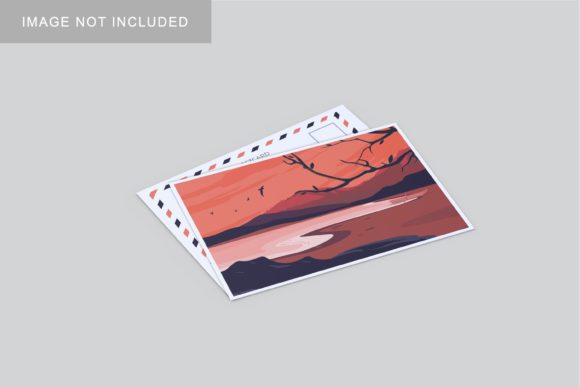
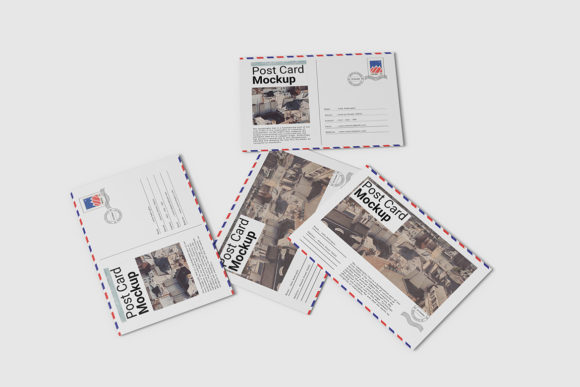
In the digital age, where screens dominate our visual landscape, the tactile appeal of a physical postcard remains surprisingly potent. For designers, marketers, and entrepreneurs, showcasing work effectively is not just about the quality of the creative itself—it is about how that work is presented. This is where Postcard Mockup V4 becomes an indispensable asset. It bridges the gap between abstract digital files and tangible reality, allowing you to present your designs in a realistic 3D display that commands attention.
This tool is more than just a template; it is a professional presentation engine designed for speed and precision. Whether you are a freelancer pitching to a client, a small business owner launching a new brand identity, or a hobbyist documenting your artistic journey, the ability to visualize your work in context can significantly impact perception. Postcard Mockup V4 offers a streamlined workflow that respects your time while elevating the perceived value of your output.
The Power of Realistic Presentation
One of the most common mistakes creatives make is displaying their work as flat, isolated images on a plain white background. While this has its place in technical specifications, it fails to convey scale, texture, and intent. A postcard mockup solves this by placing your design into a believable environment. It answers the viewer’s subconscious question: "What does this look like in real life?"
Postcard Mockup V4 utilizes high-fidelity rendering techniques to create a sense of depth and realism. The 300 DPI resolution ensures that every detail, from the subtle grain of the paper to the crispness of the typography, is visible even when zoomed in. This level of detail is crucial for building trust with clients who need assurance that the final printed product will match the digital preview. By using this mockup, you signal professionalism and attention to detail before the project even begins.
Efficiency Through Smart-Object Technology
In a fast-paced creative industry, time is currency. Traditional methods of creating mockups often involve complex layering, manual masking, and tedious adjustments. Postcard Mockup V4 eliminates these friction points through advanced Smart-Object features within Photoshop. This technology allows you to replace the current designs with your own within seconds, without altering the lighting, shadows, or perspective of the scene.
The process is intuitive:
- Open the PSD file in Adobe Photoshop.
- Double-click the designated Smart-Object layer.
- Paste or drag your design into the window.
- Save and close the window to see your design instantly applied to the mockup.
This non-destructive workflow means you can experiment with multiple variations—different color schemes, layouts, or messaging—without starting over. You can iterate rapidly, testing which design resonates best with your target audience before committing to a final version. The included PDF help guide further simplifies this process, ensuring that even those less familiar with advanced Photoshop techniques can achieve professional results quickly.
Creative Applications and Use Cases
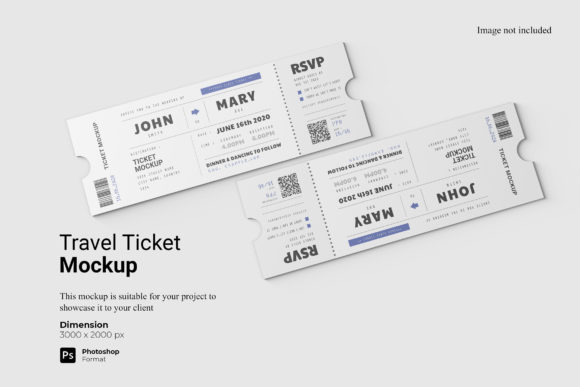
The versatility of Postcard Mockup V4 extends far beyond simple greeting cards. Its adaptable nature makes it suitable for a wide array of creative projects. Here are several ways different professionals can leverage this tool:
Branding and Identity Packages
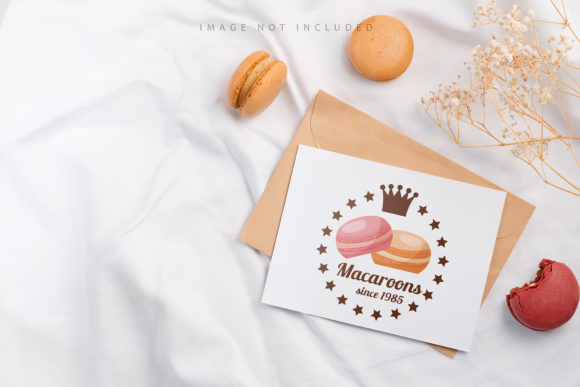
For branding agencies, presenting a logo or brand guideline is rarely done in isolation. Including a postcard mockup in a branding package demonstrates how the logo appears on collateral. It adds weight to the presentation, showing clients how their identity translates into physical touchpoints. This is particularly effective for small business owners who want to establish a cohesive brand presence across both digital and print media.
Marketing Campaigns and Promotions
Marketers can use this mockup to showcase upcoming promotional materials. Imagine sending a digital teaser to potential leads featuring your campaign’s postcard design in a realistic setting. It creates anticipation and provides a clear visualization of the final product. This is especially useful for educators and publishers looking to promote workshops, courses, or new book releases.
Portfolio Enhancement
Designers and freelancers often struggle to fill space in their portfolios with compelling visuals. Flat screenshots can feel sterile. By integrating Postcard Mockup V4 into your portfolio, you add variety and context. It shows potential employers or clients that you understand the end-to-end process of design, from concept to production-ready file.
Customization and Flexibility
A key feature of this mockup is the ability to change the background color. This flexibility allows you to tailor the presentation to suit different moods, brand colors, or platform requirements. Whether you need a neutral backdrop for a clean, minimalist aesthetic or a vibrant color to match a bold campaign theme, the mockup adapts to your needs.
The standard size of 3000x2000 pixels provides ample resolution for web use, social media sharing, and email marketing. However, the aspect ratio also works well for vertical formats, making it easy to integrate into Instagram stories or Pinterest pins. This cross-platform compatibility ensures that your hard work looks good wherever it is displayed.
Best Practices for Effective Display
To get the most out of Postcard Mockup V4, consider the following practical tips:
- Maintain Consistency: Ensure your design elements align with your overall brand voice. The mockup enhances the design but does not fix poor branding choices.
- Focus on Hierarchy: Since postcards are small formats, ensure your main message is legible and prominent. The realistic lighting in the mockup will highlight any issues with contrast or readability.
- Context Matters: Choose background colors that complement your design rather than competing with it. A subtle background keeps the focus on your artwork.
- Quality Control: Always review your final image at 100% zoom to check for pixelation or alignment errors before publishing.
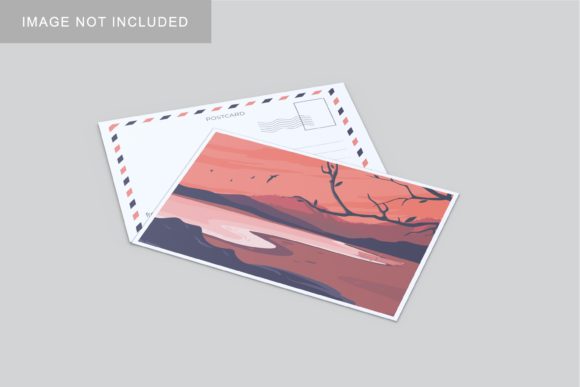
It is important to remember that the photos used in previews are for illustration purposes only. Your unique creativity is what will make the final result stand out. The mockup provides the stage; you provide the performance.
Conclusion
Investing in high-quality presentation tools is an investment in your professional reputation. Postcard Mockup V4 offers a perfect blend of ease of use, professional aesthetics, and technical reliability. By leveraging Smart-Object technology and realistic 3D rendering, you can showcase your designs with clarity and confidence. Whether you are communicating with clients, engaging an audience, or simply organizing your creative workflow, this mockup serves as a powerful ally in bringing your vision to life. Embrace the practicality of efficient design processes and let your work speak for itself in the most compelling way possible.