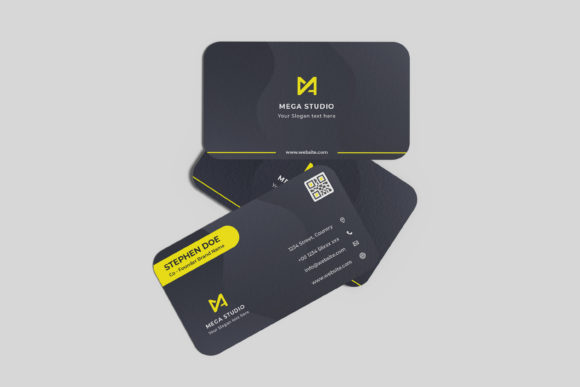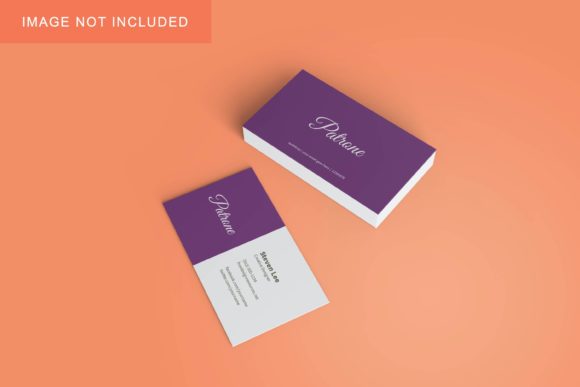
Business Card Mockup V2: Professional 3D Presentation Tool
In the competitive landscape of graphic design and branding, the presentation of work is often as critical as the work itself. A well-designed business card can define a brand’s identity, but its impact relies heavily on how it is displayed to clients or stakeholders. Business Card Mockup V2 addresses this need by providing a realistic 3D display solution that allows designers to showcase their creations professionally. This tool is designed for efficiency, utilizing smart-object features within Adobe Photoshop to facilitate quick and easy design replacements.
This article evaluates Business Card Mockup V2 to help designers determine if it aligns with their workflow requirements. We will explore its technical specifications, usability, benefits, and potential limitations to provide a balanced perspective for those researching mockup resources.
Understanding Business Card Mockup V2
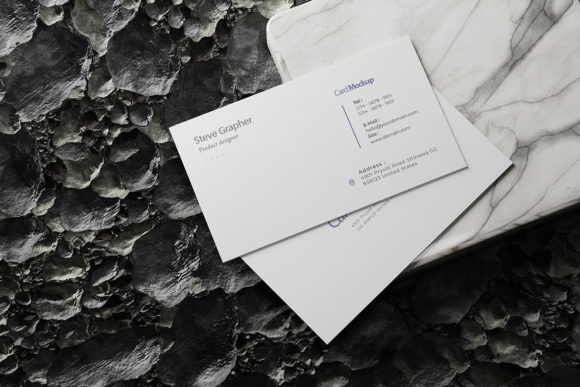
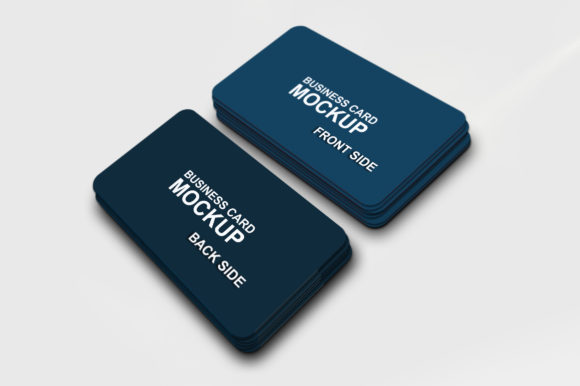
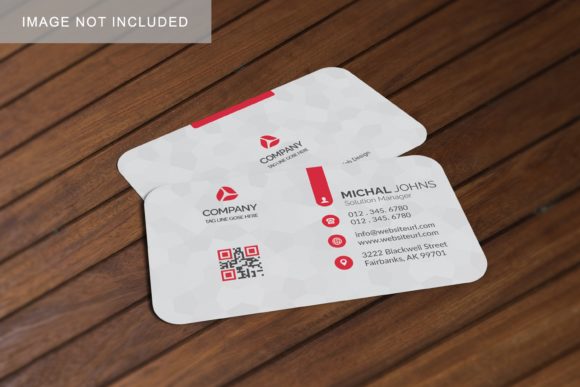
At its core, Business Card Mockup V2 is a digital template file, specifically formatted for use in Adobe Photoshop (PSD). It serves as a visual container that mimics the appearance of a physical business card in a three-dimensional space. Unlike flat images, this mockup provides depth, lighting effects, and shadows, creating a photorealistic environment where designs can be viewed as they would appear in real life.
The primary value proposition of this asset lies in its integration with Photoshop’s smart-object technology. Smart objects are layers that contain image data from raster or vector images. By placing a designer’s artwork into a smart object layer, any changes made to the original design automatically update within the mockup. This eliminates the need for manual manipulation, such as warping, masking, or adjusting blending modes, which can be time-consuming and prone to error.
Key Features and Technical Specifications
When evaluating design assets, technical details play a crucial role in determining compatibility and quality. Business Card Mockup V2 offers several specific features that cater to professional standards:
- Smart-Object Integration: The PSD file is structured with smart-object layers. This allows users to replace current designs with their own artwork within seconds. This feature is essential for maintaining consistency across multiple design iterations.
- High Resolution: The mockup is provided at a size of 3000x2000 pixels with a resolution of 300 DPI (dots per inch). This high resolution ensures that the output is crisp and clear, suitable for both screen presentations and high-quality print proofs.
- Changeable Background Color: To suit different aesthetic preferences or brand guidelines, the background color is editable. This flexibility allows designers to present their business cards against neutral tones, vibrant colors, or textured surfaces without needing to create separate files for each variation.
- User Guidance: The package includes a PDF help guide. This documentation assists users who may be less familiar with smart-object workflows, ensuring that the tool remains accessible even to those with intermediate Photoshop skills.
Benefits for Designers and Agencies
For professionals seeking to elevate their client presentations, Business Card Mockup V2 offers distinct advantages. The transition from a flat digital file to a 3D representation helps clients visualize the final product more effectively. This realism can reduce ambiguity during the approval process, as stakeholders can better gauge the scale, finish, and overall impact of the design.
Efficiency is another significant benefit. In fast-paced agency environments, time is a valuable resource. The ability to swap designs quickly using smart objects means that designers can produce multiple variations of a business card concept rapidly. This speed allows for more comprehensive exploration of design options without sacrificing productivity.
Furthermore, the high-resolution output ensures that the mockup looks professional on various platforms. Whether displaying the work on a website, sending it via email, or projecting it in a meeting, the 300 DPI resolution maintains clarity and detail, reinforcing the designer’s attention to quality.
Considerations and Potential Tradeoffs
While Business Card Mockup V2 is a robust tool, it is important to consider its limitations to ensure it fits your specific needs. First, the requirement for Adobe Photoshop is a prerequisite. If you utilize other design software such as Affinity Designer, GIMP, or online tools like Canva, this PSD file will not be directly usable without conversion or alternative methods.
Additionally, the reliance on smart objects requires a certain level of proficiency with Photoshop. While the included PDF guide aids in this process, beginners may find the learning curve steeper compared to simpler, non-layered mockups. However, for those already comfortable with Photoshop, this barrier is minimal.
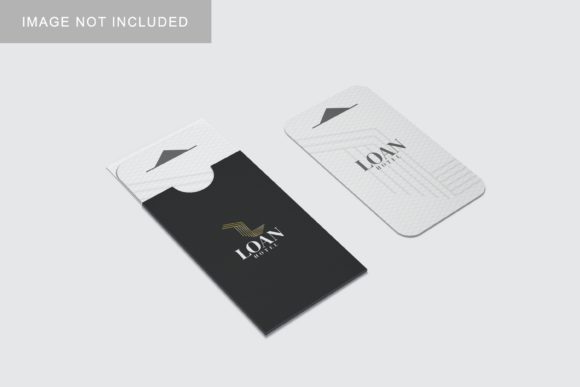
It is also worth noting that the photos used in previews are for illustration purposes only and are not included in the download. Users must source their own imagery if they wish to customize the background or surrounding elements beyond the changeable color feature. This adds a step to the workflow but also provides creative freedom.
Situational Fit: When to Use Business Card Mockup V2
This mockup is particularly well-suited for freelance graphic designers, branding agencies, and marketing teams who frequently present business card concepts to clients. It is ideal for situations where:
- Realism is Priority: You need to show clients exactly how a design will look in a physical context, including shadows and perspective.
- Speed is Essential: You have tight deadlines and need to generate multiple design variations quickly.
- Professional Presentation Matters: You want to convey a high level of professionalism and attention to detail in your client communications.
Conversely, if you are looking for a simple, static image for a basic social media post, or if you do not have access to Photoshop, this tool may be overkill. In such cases, simpler JPEG mockups or alternative formats might be more appropriate.
Decision-Making Insights
To determine if Business Card Mockup V2 is the right choice, consider your current workflow and software stack. If you already use Photoshop and struggle with manually creating realistic presentations, this asset can streamline your process significantly. The combination of high resolution, smart-object functionality, and customizable backgrounds makes it a versatile addition to a designer’s toolkit.
However, always verify that the file format matches your software capabilities. Ensure that you are comfortable with managing smart objects, or are willing to invest a small amount of time in learning the feature through the provided guide. For those who meet these criteria, Business Card Mockup V2 offers a practical, efficient, and professional solution for showcasing business card designs.
Ultimately, the value of a mockup lies in its ability to communicate design intent clearly. By providing a realistic 3D display, this tool bridges the gap between digital creation and physical reality, helping designers make stronger impressions and secure client approvals with confidence.