Evaluating Floating Business Card Mockup V4 for Professional Design Presentations
In the competitive landscape of graphic design, the presentation of a concept is often as critical as the concept itself. A static image file rarely conveys the depth, texture, and spatial awareness that a physical business card possesses. This gap between digital creation and perceived reality has led to the widespread adoption of high-fidelity mockups. Among the various tools available to designers, Floating Business Card Mockup V4 has emerged as a specific solution designed to bridge this divide with a focus on realism and workflow efficiency. For professionals aged 20 to 50 who are evaluating design resources, understanding the technical specifications and practical applications of such a tool is essential for making informed purchasing decisions.
The Core Value Proposition: Realism Meets Efficiency
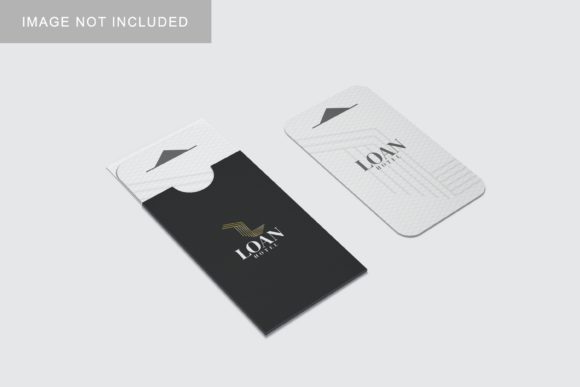
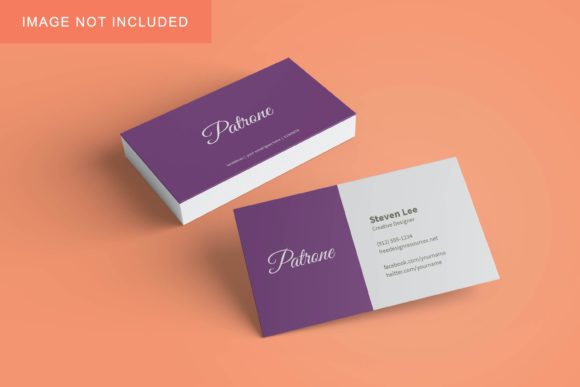
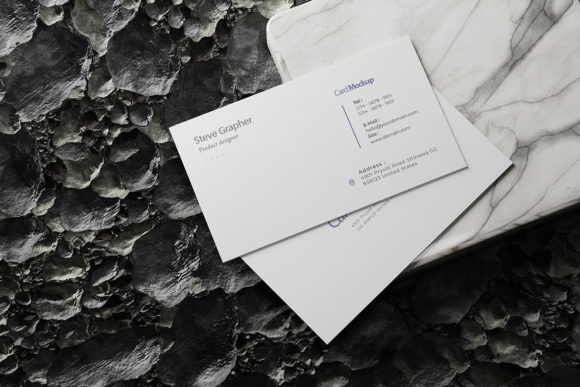
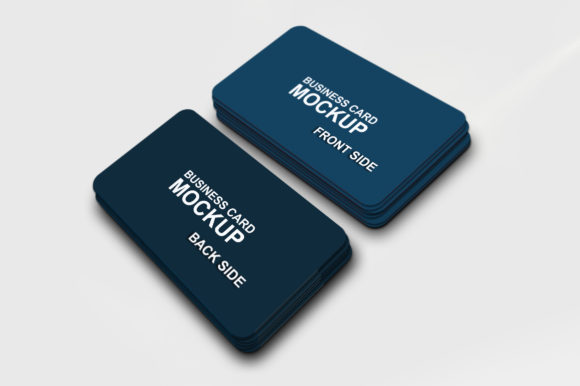
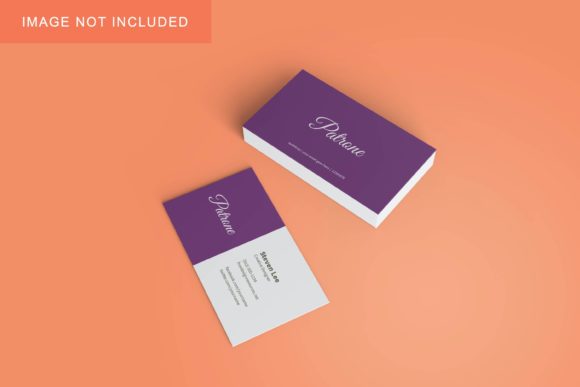
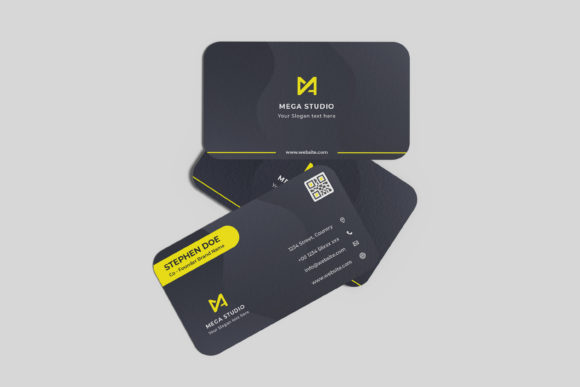
The primary function of any business card mockup is to simulate how a design will look in the real world. However, not all simulations are created equal. Floating Business Card Mockup V4 distinguishes itself by offering a "floating" aesthetic, which provides a dynamic, three-dimensional perspective that flat lay mockups often lack. This style suggests movement and elegance, allowing clients to visualize the card’s edges, thickness, and finish without the clutter of a traditional desk setting.
What makes this particular version particularly appealing to working designers is its integration with Adobe Photoshop’s smart-object technology. In the past, replacing designs in complex 3D renders required manual warping, masking, and lighting adjustments—a process that could take minutes or even hours per variation. With V4, the process is streamlined. The file is provided in PSD format, ensuring compatibility with the industry-standard software. By utilizing smart objects, designers can drag and drop their own .PSD or .AI files into designated layers, and the mockup automatically adjusts for perspective, shadows, and lighting. This feature alone transforms the tool from a simple visual aid into a time-saving asset for agencies and freelancers alike.
Technical Specifications and Workflow Integration
When comparing design assets, technical fidelity is a major decision factor. Floating Business Card Mockup V4 is built on a foundation of high-resolution standards, boasting a resolution of 300 dpi at a size of 3000x2000 pixels. This specification is crucial for several reasons:
- Print-Ready Quality: High DPI ensures that when a designer exports the final mockup for client presentations or portfolio websites, the image remains crisp and free of pixelation, even when scaled up for large displays.
- Detail Retention: At this resolution, subtle details such as foil stamping effects, embossing, and paper grain are rendered clearly, allowing for more accurate client feedback.
- Flexibility in Composition: The aspect ratio and dimensions provide enough canvas space to include surrounding context or to crop tightly around the card depending on the layout needs.
Furthermore, the inclusion of a changeable background color adds significant versatility. Instead of being locked into a single studio environment, users can instantly swap backgrounds to match brand aesthetics or create contrast that highlights specific design elements. This flexibility is particularly useful for A/B testing different visual contexts to see which presentation resonates best with stakeholders.
Comparative Analysis: How It Stacks Up Against Alternatives
To evaluate whether Floating Business Card Mockup V4 is the right choice, it is helpful to compare it against other common approaches in the market. Designers typically choose between flat lay mockups, hand-held mockups, and abstract 3D renders.
Flat Lay vs. Floating Perspective
Flat lay mockups are popular for their clean, minimalist aesthetic. They place the card on a surface, often accompanied by props like coffee cups or plants. While effective for lifestyle branding, they can sometimes obscure the design due to overlapping elements. In contrast, the floating style of V4 isolates the subject, drawing immediate attention to the typography and layout. For projects where the design itself is the hero—such as corporate rebrands or minimalist identities—the floating approach often yields a more professional and focused result.
Complex 3D Suites vs. Smart Object Simplicity
Some alternatives require advanced knowledge of 3D rendering software like Blender or Cinema 4D. These tools offer unparalleled control but come with a steep learning curve and longer processing times. Other options might be simple PSDs with basic layer styles. Floating Business Card Mockup V4 occupies a middle ground. It offers the sophistication of 3D rendering (lighting, shadows, depth of field) but delivers it through the simplicity of Photoshop smart objects. This balance makes it suitable for both junior designers seeking ease of use and senior art directors demanding high-quality outputs.
Tradeoffs and Limitations
No single tool is perfect, and understanding the limitations of Floating Business Card Mockup V4 is key to managing expectations. One potential tradeoff is the specificity of the perspective. Because the card is "floating," it may not suit every project. For instance, if a client wants to showcase a business card in a wallet or held in a hand, a different mockup style would be necessary. The floating aesthetic implies a certain level of abstraction that might feel too sterile for casual or organic brands.
Additionally, while the smart object feature simplifies the replacement process, it requires the user to have a functional installation of Adobe Photoshop. Users relying on free or open-source alternatives like GIMP may find the PSD structure incompatible or difficult to navigate without conversion. Furthermore, the ability to change the background color is a strength, but it is limited to solid colors or simple gradients unless the user manually edits the shadow layers. For highly textured environments, additional editing skills may be required to blend the card seamlessly.
Decision Factors: When to Choose V4
Choosing the right resource depends on specific project needs. Floating Business Card Mockup V4 is an ideal fit for the following scenarios:
- Rapid Prototyping: When a designer needs to present multiple color variations or logo iterations to a client within a tight deadline, the speed of smart object replacement is invaluable.
- Corporate and Tech Industries: The clean, floating aesthetic aligns well with modern, tech-forward, and corporate branding that values precision and clarity.
- Portfolio Showcasing: For designers building an online portfolio, high-resolution, visually striking images help capture attention. The 3000x2000 px resolution ensures these images look premium on retina displays.
- Client Presentations: When explaining design choices, having a realistic 3D representation helps non-designer clients understand scale, finish, and impact better than a flat JPEG.
Conversely, readers might consider alternative options if their work focuses heavily on tactile, handmade aesthetics, or if they require extensive environmental storytelling that goes beyond a simple background color swap. In those cases, a composite-heavy mockup or a dedicated 3D scene might be more appropriate.
Usability and Support
A often-overlooked aspect of design assets is the support infrastructure. Floating Business Card Mockup V4 includes a PDF help guide. While many assume that smart objects are intuitive, clear instructions can prevent errors, especially for those less familiar with Photoshop’s layer management. This guide likely covers how to link external files, update linked content, and adjust lighting parameters. The availability of such documentation reduces the friction of adoption, making the tool accessible to a broader range of skill levels.
Final Thoughts on Resource Evaluation
Selecting design tools is an investment of both money and time. Floating Business Card Mockup V4 represents a pragmatic choice for professionals who prioritize efficiency without sacrificing visual quality. Its combination of high-resolution output, smart object functionality, and flexible styling addresses the core needs of modern graphic design workflows. By understanding its strengths in realistic 3D display and its limitations regarding perspective specificity, designers can determine if it fits into their existing toolkit. For those looking to elevate their presentation game with a tool that bridges the gap between digital file and physical product, this mockup offers a compelling, balanced solution.