Minimalist Business Card Mockup V2 Evaluation
In the competitive landscape of graphic design and branding, the presentation of work is often as critical as the work itself. Designers, agencies, and freelance creatives constantly seek methods to showcase their portfolios in a manner that feels authentic and polished. One specific tool that has gained traction for this purpose is the Minimalist Business Card Mockup V2. This resource is designed to bridge the gap between digital flat files and tangible, real-world applications, allowing users to present their business card designs with professional realism.
This article provides an objective evaluation of the Minimalist Business Card Mockup V2, exploring its technical specifications, usability features, and ideal use cases. By examining both its strengths and limitations, potential buyers can determine whether this mockup aligns with their specific workflow requirements and aesthetic goals.
Understanding the Product
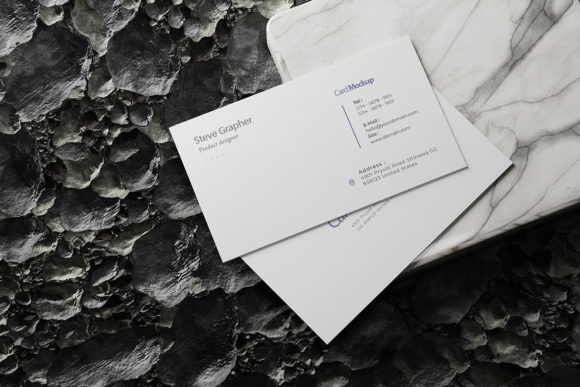
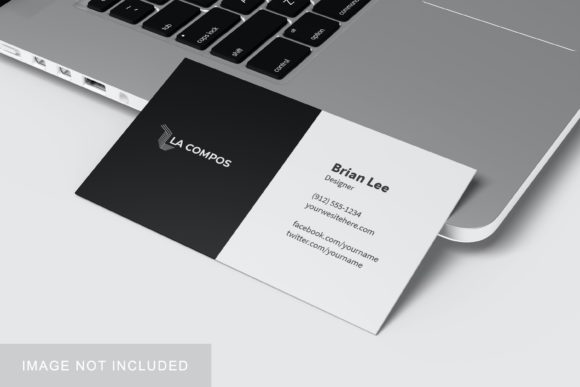
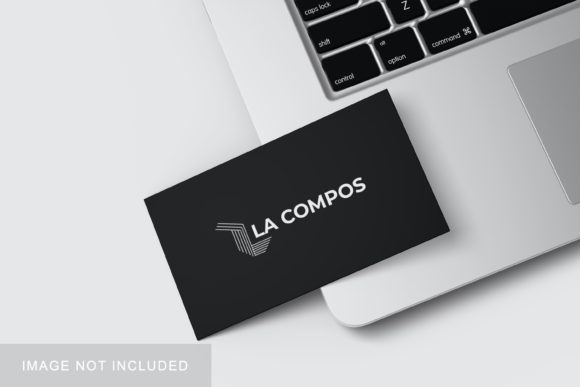
The Minimalist Business Card Mockup V2 is a digital asset provided in Adobe Photoshop (PSD) format. Its primary function is to serve as a realistic 3D display environment where designers can insert their own business card artwork. The term "minimalist" refers to the aesthetic style of the mockup itself—clean lines, neutral tones, and uncluttered composition—which ensures that the focus remains on the user’s design rather than the surrounding elements.
Unlike simple 2D templates, this mockup utilizes smart-object technology within Photoshop. This feature allows for non-destructive editing, meaning users can replace the default placeholder image with their custom design without altering the underlying lighting, shadows, or perspective of the scene. The result is a high-fidelity representation that mimics how a physical business card would look when placed on a surface or held in hand.
Key Technical Features and Specifications
When evaluating any digital asset for professional use, technical specifications are paramount. The Minimalist Business Card Mockup V2 offers several distinct features that cater to modern design workflows:
- Smart-Object Integration: The core functionality relies on Photoshop’s smart-object layer system. This enables rapid iteration; designers can swap out multiple design variations quickly to test different color schemes, typography, or layouts without recreating the scene.
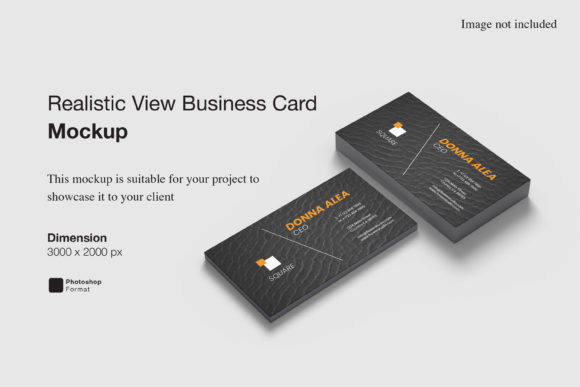
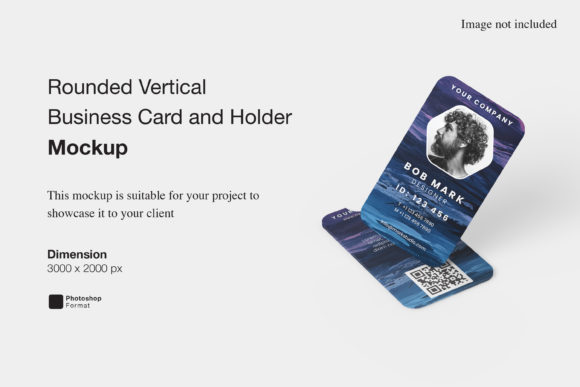
- High Resolution Output: The file size is set at 3000x2000 pixels with a resolution of 300 DPI. This density ensures that the final rendered images are sharp and suitable for high-quality web displays, social media posts, and even large-format print presentations.
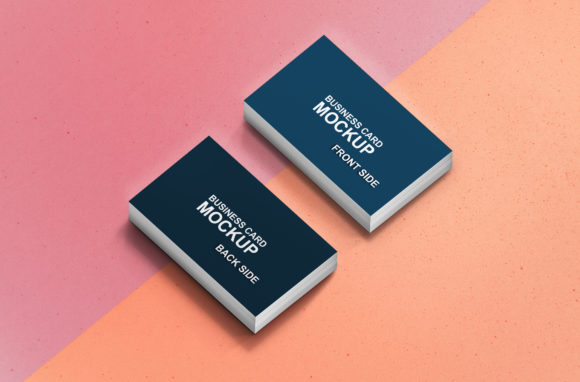
- Changeable Background Color: To accommodate diverse branding needs, the mockup includes editable background layers. Users can adjust the ambient color to match their brand identity or to create contrast that highlights specific design elements.
- User Support Documentation: A PDF help guide is included with the purchase. This resource is crucial for users who may be less familiar with advanced Photoshop techniques, providing step-by-step instructions on how to utilize the smart objects effectively.
Benefits for Designers and Agencies
There are several practical reasons why a designer might choose to incorporate this mockup into their process. First and foremost is the speed of production. In client presentations, time is often a limiting factor. The ability to replace designs within seconds allows for efficient comparison shopping during meetings, where stakeholders can see multiple options instantly.
Furthermore, the minimalist aesthetic serves a strategic purpose. Complex backgrounds or distracting props can draw attention away from the subtle details of a business card, such as font kerning or color accuracy. By using a clean, neutral backdrop, the Minimalist Business Card Mockup V2 ensures that the viewer’s eye is directed solely to the artwork. This clarity is essential for establishing credibility and demonstrating attention to detail.
For freelancers and small agencies, this tool also reduces the need for expensive physical prototyping. Printing multiple iterations of a business card for photo shoots is costly and time-consuming. A high-quality digital mockup provides a cost-effective alternative that still conveys professionalism and tangibility.
Considerations and Potential Tradeoffs
While the Minimalist Business Card Mockup V2 offers significant advantages, it is important to consider certain limitations before making a purchase decision.
Software Dependency: As a PSD file, this mockup requires Adobe Photoshop. Users working exclusively with other design software, such as Affinity Designer, GIMP, or Canva, will not be able to utilize this asset directly. They would need access to Photoshop or a compatible application that supports smart objects.
Aesthetic Limitations: The "minimalist" style, while versatile, may not suit every project. If a designer is creating a bold, textured, or highly artistic business card concept, a stark white or neutral background might feel too sterile. In such cases, a more dynamic or thematic mockup might better reflect the creative vision.
Realism vs. Reality: While the 3D rendering is sophisticated, it is still a digital simulation. It cannot perfectly replicate the tactile experience of paper weight, texture, or embossing. Clients who require a photorealistic depiction of specific finishes, such as gold foil or spot UV coating, may find that additional post-processing or specialized mockups are necessary to achieve the desired level of detail.
Ideal Use Cases and Alternatives
The Minimalist Business Card Mockup V2 is particularly well-suited for corporate branding projects, tech startups, and professional services firms where clean, modern aesthetics are preferred. It is also an excellent resource for portfolio websites, where consistency and clarity in presentation are key to attracting new clients.
Conversely, individuals looking for highly stylized, lifestyle-oriented presentations—such as cards being held by models in outdoor settings—might find alternatives more appropriate. There are numerous mockups available that feature hands, coffee cups, or office desks, which add context but may distract from the design itself.
Additionally, users who frequently change their platform ecosystem might prefer vector-based mockups or online generators that do not rely on local software installation. However, for those deeply embedded in the Adobe Creative Cloud ecosystem, the convenience of native smart-object integration makes this mockup a strong contender.
Final Verdict: Is It Right for You?
Determining whether the Minimalist Business Card Mockup V2 is the right choice depends largely on your existing tools and your design philosophy. If you value efficiency, clarity, and professional presentation, and you already use Photoshop, this mockup offers a robust solution for showcasing your business card designs.
Its combination of high resolution, easy-to-use smart objects, and customizable backgrounds makes it a practical addition to a designer’s toolkit. However, if your work requires complex textures, non-Adobe software compatibility, or highly contextual lifestyle imagery, you may want to explore alternative resources that better fit those specific needs.
Ultimately, the goal of any mockup is to enhance the perception of your work. The Minimalist Business Card Mockup V2 achieves this through simplicity and precision, providing a reliable canvas for your creativity to shine. By understanding its capabilities and constraints, you can make an informed decision that supports your professional objectives.