Stylist DL Flyer Mockup: Elevate Your Design Presentations
Presenting design work is often just as critical as the work itself. Whether you are pitching a new brand identity to a client, showcasing a portfolio piece on social media, or submitting a concept for editorial review, the context in which your design lives can make or break its perceived value. This is where high-quality presentation assets come into play. The Stylist DL Flyer Mockup offers a sophisticated solution for designers who want to display their flyer concepts in a realistic, three-dimensional environment without spending hours building scenes from scratch.
This tool is not merely a static image; it is a functional PSD file designed with professional workflows in mind. It allows you to drop your own artwork into a pre-built scene, instantly transforming flat layouts into tangible, photorealistic objects. For entrepreneurs, marketers, and content creators, this means saving valuable time while maintaining a polished aesthetic that commands attention.
Visual Characteristics and Professional Appeal
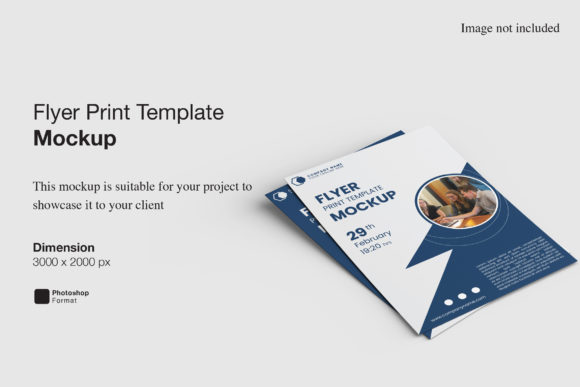
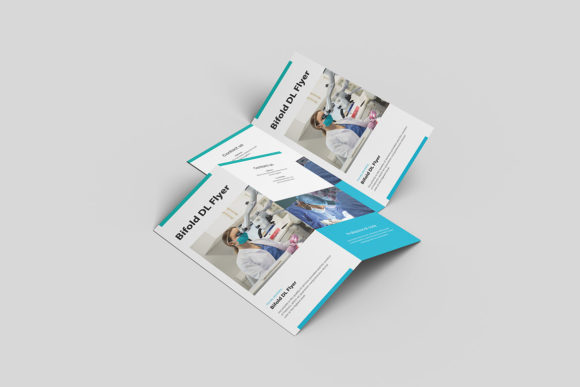
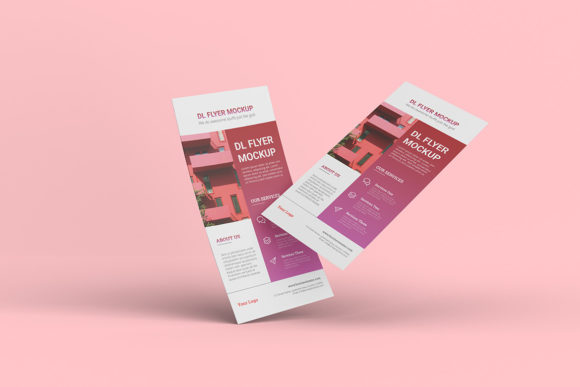
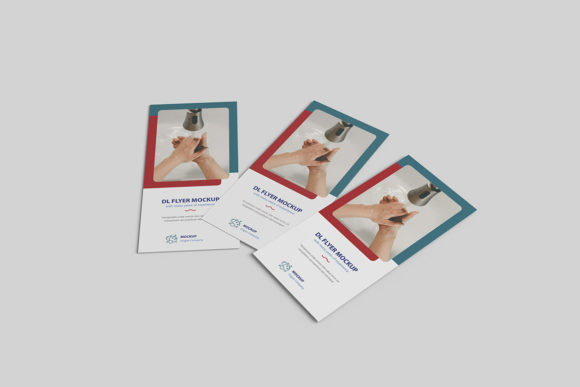
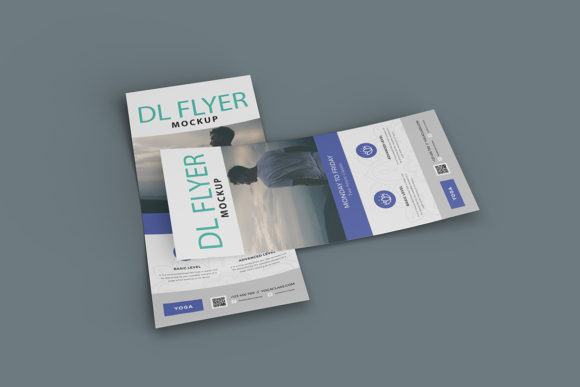
The core appeal of the Stylist DL Flyer Mockup lies in its balance between realism and versatility. Visually, it presents a clean, modern aesthetic that mimics how flyers look in real-world settings—whether resting on a desk, held in hand, or displayed in a retail environment. The lighting, shadows, and textures are calibrated to feel authentic, avoiding the overly glossy or artificial look that plagues many low-quality mockups.
From a technical standpoint, the asset is built for precision. It comes in a resolution of 3000x2000 pixels at 300 DPI, ensuring that your designs remain crisp and sharp even when viewed on large monitors or printed for physical portfolios. This level of detail is essential for any designer who values clarity and professionalism in their deliverables. The ability to change the background color further enhances its utility, allowing you to match the mockup to your brand’s color palette or create a cohesive visual series for different campaigns.
The personality of this mockup is understated yet impactful. It does not distract from your design; instead, it frames it. By providing a neutral but stylish stage, it ensures that the focus remains squarely on the typography, imagery, and layout choices you have made. This is particularly important for creative font usage, where the nuance of letterforms needs to be appreciated without visual clutter competing for attention.
Why Smart-Object Workflow Matters
One of the most significant advantages of using the Stylist DL Flyer Mockup is its integration with Adobe Photoshop’s smart-object features. For those unfamiliar, smart objects allow you to replace the contents of a layer with a new image while automatically applying the necessary transformations, such as perspective warping and blending modes. In practical terms, this means you can swap out your current design with a new one within seconds.
This efficiency is invaluable for agencies and freelancers who need to produce multiple variations of a single concept. Instead of manually adjusting layers, masks, and effects for each new version, you simply double-click the smart object, paste your new design, save, and watch the mockup update instantly. This streamlined process reduces the risk of human error and frees up mental energy for more creative tasks, such as refining the actual graphic design elements.
Additionally, the inclusion of a PDF help guide ensures that even users who are less familiar with advanced Photoshop techniques can navigate the file with ease. This accessibility makes the mockup suitable for a wide range of users, from seasoned graphic designers to small business owners who handle their own marketing materials. The goal is to democratize professional presentation standards, allowing anyone to showcase their work with confidence.
Ideal Applications Across Industries
The versatility of the Stylist DL Flyer Mockup extends across numerous industries and project types. Its primary strength lies in editorial design and marketing collateral. If you are designing event flyers, concert posters, or promotional brochures, this mockup provides a realistic context that helps clients visualize the final product in situ. It bridges the gap between digital files and physical outcomes, making it easier for non-designers to understand the scale and impact of the print piece.
In the realm of brand identity, this mockup serves as an excellent tool for consistency. When presenting a rebrand, including a flyer alongside business cards, letterheads, and packaging creates a holistic view of the system. The changeable background feature allows you to maintain visual harmony across all presentation slides by keeping the backdrop consistent with your brand colors. This attention to detail reinforces professionalism and shows that you have considered every aspect of the client’s experience.
For web design and social media graphics teams, the mockup can be used to create engaging content for platforms like Instagram or LinkedIn. A well-lit, realistic mockup performs significantly better than a flat screenshot because it adds depth and texture to the feed. It signals quality and effort, which can increase engagement rates and attract potential clients or followers. Similarly, bloggers and publishers can use these visuals to illustrate articles about design trends, printing tips, or case studies, adding a layer of authenticity to their content.
Practical Guidance for Implementation
When incorporating the Stylist DL Flyer Mockup into your workflow, there are several best practices to keep in mind. First, always ensure your source file is set to the correct dimensions before placing it into the smart object. Mismatched sizes can lead to pixelation or awkward cropping, which undermines the realistic effect you are trying to achieve. Use vector-based elements wherever possible to maintain scalability, especially if you plan to zoom in on specific details of the typography.
Evaluating font pairing is another crucial step. Since the mockup highlights the flyer as a standalone object, the legibility of your text becomes paramount. Avoid overly decorative or thin fonts that may disappear against complex backgrounds. Instead, opt for clear, readable typefaces that complement the overall theme. If you are using a serif font for elegance or a sans serif font for modernity, test how it interacts with the mockup’s lighting and shadows. Some fonts may appear lighter or darker depending on the contrast of the background, so adjust your color choices accordingly.
Finally, consider the commercial licensing implications if you are selling designs created with this mockup. While the mockup itself is a design asset, the images of people or environments used in the preview are typically for illustration purposes only and should not be used commercially. Always verify the license agreement provided with the download to ensure compliance. By respecting these guidelines, you protect both yourself and your clients, fostering trust and long-term relationships in the creative community.
In summary, the Stylist DL Flyer Mockup is more than just a template; it is a strategic tool for enhancing the perception of your work. By leveraging its smart-object capabilities, realistic rendering, and customizable features, you can present your designs with a level of polish that speaks volumes about your expertise. Whether you are a solo entrepreneur or part of a large agency, investing in high-quality presentation assets like this one pays dividends in how your work is received and valued.