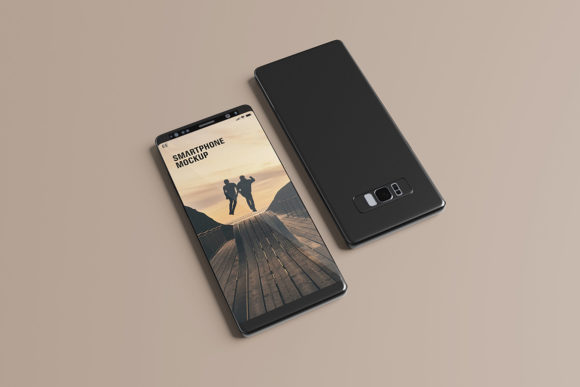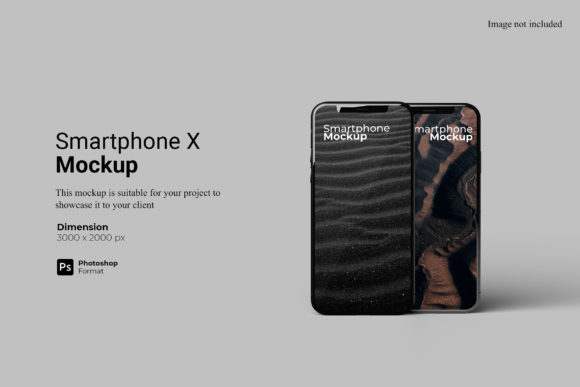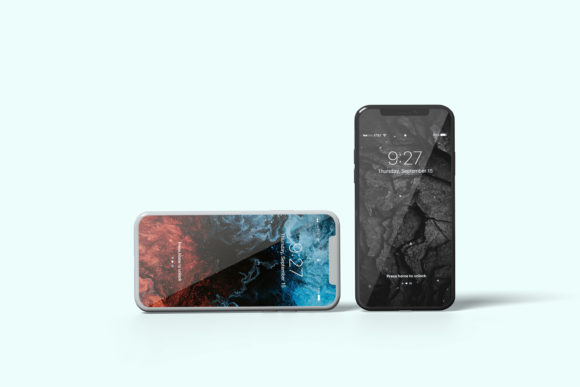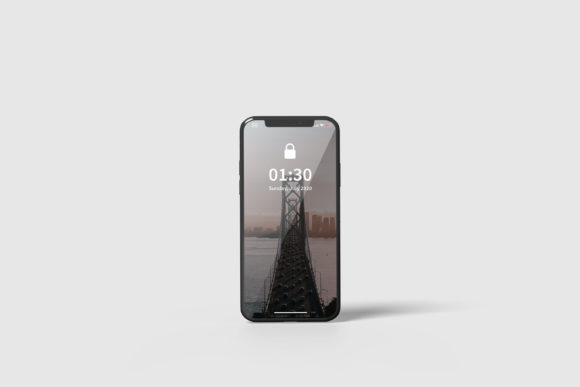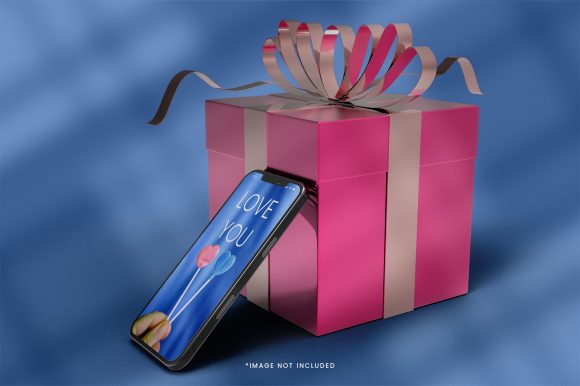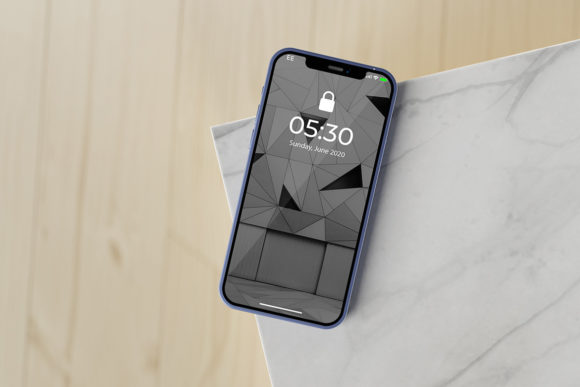
Industrial Style Smartphone Mockup
In the crowded landscape of digital design, how you present your work matters just as much as the work itself. A brilliant logo or a sleek app interface can lose its impact if displayed on a generic, flat background. This is where the Industrial Style Smartphone Mockup steps in as an essential tool for professionals who need to bridge the gap between concept and reality. It is not merely a template; it is a presentation platform designed to lend weight, texture, and authenticity to your digital creations.
This specific mockup captures the raw, unpolished aesthetic of industrial design—think exposed concrete, brushed metal, and stark geometric lines—wrapped around a modern smartphone form factor. The visual personality here is one of grounded sophistication. It speaks to a brand that is sturdy, reliable, and contemporary without being overly ornate. For designers, marketers, and entrepreneurs, this style offers a neutral yet striking canvas that allows your content to take center stage while providing a context that feels tangible and real-world tested.
Why Presentation Context Changes Everything
We often focus heavily on the typography, color palette, or layout of our designs, forgetting that the vessel carrying these elements influences perception. When you place a UI/UX design onto a photorealistic device set against an industrial backdrop, you are instantly signaling quality. You are telling your audience, "This is ready for the market." This psychological shift is crucial for client presentations, portfolio pieces, and social media showcases.
The Industrial Style Smartphone Mockup achieves this through its attention to detail. The lighting, shadows, and surface textures mimic high-end product photography. By using this design asset, you avoid the amateurish look of floating screens or poorly aligned devices. Instead, you create a cohesive scene that draws the eye naturally to the screen area. This is particularly effective for web design portfolios, app development case studies, and social media graphics where stopping the scroll is paramount. The industrial theme adds a layer of masculinity and structural integrity that works exceptionally well for tech brands, construction firms, automotive industries, and modern lifestyle blogs.
Seamless Workflow with Smart-Objects
One of the most significant friction points in using mockups is the technical hurdle. Many templates require complex layer manipulation or manual warping tools that eat up valuable time. This mockup eliminates that barrier by utilizing Photoshop’s native Smart-Object features. The process is intuitive: you double-click the designated layer, paste your design, save, and close. The mockup updates automatically, applying realistic perspective, curvature, and lighting effects to your artwork within seconds.
This efficiency is vital for agencies and freelancers managing multiple projects. Whether you are testing different color variations of a brand identity or creating a series of promotional posts, the ability to swap designs quickly means you can iterate faster. The included PDF help guide ensures that even those less familiar with advanced Photoshop techniques can navigate the file structure with ease. You do not need to be a graphic design expert to achieve professional results; you just need your creative vision and this tool.
Versatility Across Creative Disciplines
While the name suggests a singular use case, the application of this premium font display mockup extends across various creative domains. Its appeal lies in its adaptability. Here is how different professionals can leverage this resource:
- Brand Strategists & Logo Designers: Showcase a new logo on a smartphone screen to demonstrate its legibility and impact in mobile-first environments. The industrial background provides a high-contrast setting that makes white or light-colored logos pop.
- Publishers & Editors: Use the mockup to preview e-book covers or digital magazine layouts. The realistic rendering helps clients visualize how their editorial design will look on actual reading devices.
- E-commerce Entrepreneurs: Create compelling product images for online stores. If you sell digital products, apps, or even physical goods, displaying them on this mockup adds a touch of premium quality to your listings.
- Social Media Managers: Generate consistent, high-quality visuals for Instagram, LinkedIn, or Twitter. The 3000x2000 px resolution ensures crisp output for both web and print, maintaining clarity across all platforms.
The versatility also extends to the type of content you display. While the mockup itself has an industrial vibe, it pairs well with a wide range of modern typography. A clean sans serif font can reinforce the minimalist aspect of the industrial theme, creating a harmonious visual language. Conversely, a bold display font can clash intentionally with the rough textures to create a dynamic, edgy poster or advertisement. The key is understanding the relationship between the container (the mockup) and the content (your design).
Technical Specifications That Matter
Beyond aesthetics, the technical specifications of the Industrial Style Smartphone Mockup are designed to meet professional standards. At 300 DPI, the file is print-ready, meaning you can use it for large-format prints, trade show banners, or physical brochures without worrying about pixelation. The 3000x2000 pixel dimensions provide ample space for detailed designs while remaining manageable for quick loading times on websites.
Furthermore, the inclusion of a changeable background color feature adds another layer of customization. While the default industrial setting is powerful, you might want to adjust the ambient lighting or background tone to match a specific campaign theme. This flexibility ensures that the mockup does not feel rigid or outdated but evolves with your project needs.
Practical Tips for Maximum Impact
To get the most out of this tool, consider the following practical recommendations when integrating it into your workflow:
- Evaluate Project Fit: Before applying the mockup, ask if the industrial aesthetic aligns with your brand voice. It works best for brands that value durability, transparency, and modernity. For delicate, vintage, or playful brands, this might be too harsh a contrast.
- Test Font Pairings: If you are showcasing typography, experiment with pairing the text inside the phone screen with complementary fonts. A serif font inside the screen can create a sophisticated juxtaposition against the rugged exterior, while a handwritten font might feel too casual unless balanced correctly.
- Focus on Readability: Ensure your design remains legible at smaller sizes. The industrial background can be visually busy, so keep the content within the phone screen clean and uncluttered. Use negative space effectively to guide the viewer’s eye.
- Review Licensing: Always check the commercial licensing terms. Most premium mockups allow for use in client work and personal projects, but some may restrict resale as standalone assets. Understanding these boundaries protects your business legally.
Ultimately, the Industrial Style Smartphone Mockup is more than just a PSD file; it is a strategic advantage in visual communication. It transforms abstract designs into tangible experiences, helping you connect with your audience on a deeper level. By investing in high-quality presentation tools, you signal professionalism and attention to detail—traits that resonate with clients and customers alike. In a world where first impressions are formed in milliseconds, giving your work the right context can make all the difference.